See the tips below from the Australian Government’s Act Now, Stay Secure initiative to help improve your Wi-Fi security. Learn how to use Wi-Fi safely and reduce risks when connecting to public hotspots, with practical advice to help protect yourself online.
Public Wi-Fi in locations like cafés often lacks security, leaving your personal data vulnerable to hackers. For maximum safety, it is best to stick to trusted networks like your home Wi-Fi or a personal mobile hotspot. If you must use this public connection, be sure to follow this Public Wi-Fi Safety Checklist to ensure your data remains secure.
1. Verify the Connection
Before you connect at a café or airport, ask a staff member for the exact name of their Wi-Fi. Hackers often set up “twin” networks with similar names to trick you.
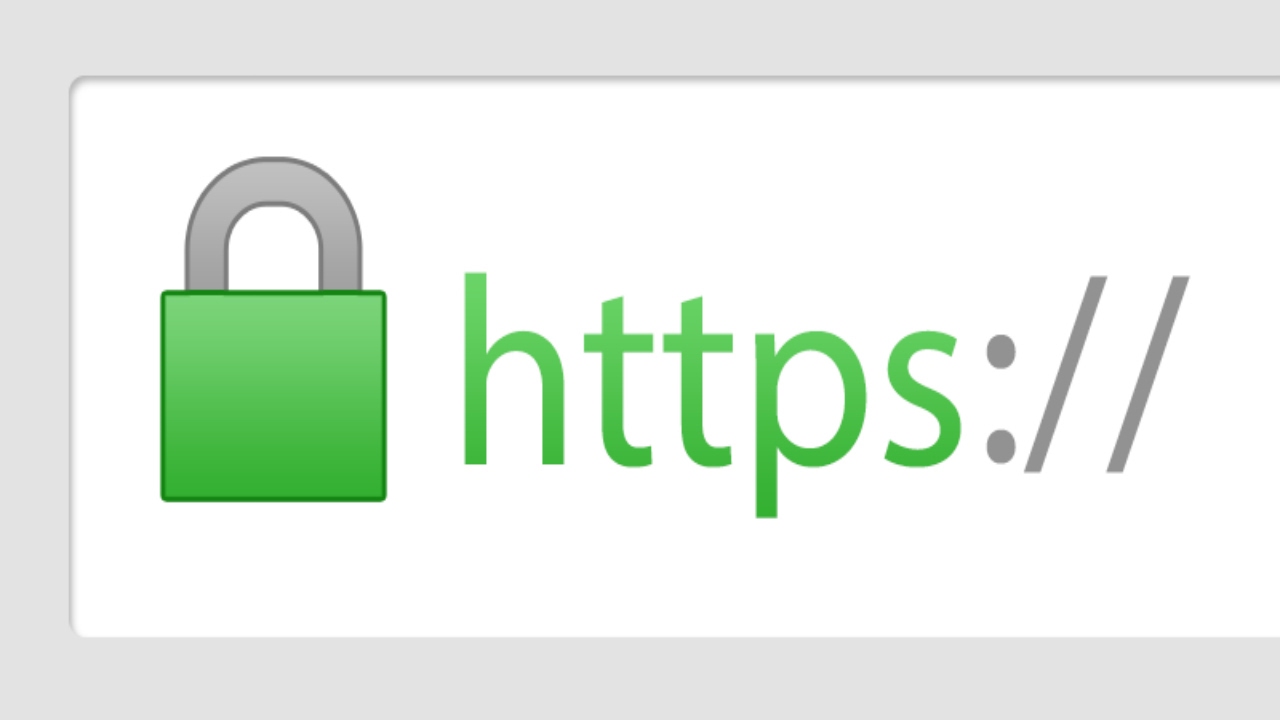
2. Look for the Padlock
Only visit websites that show a small padlock icon next to the web address. This means your information is scrambled and private. If you see a “Not Secure” warning, leave the site immediately.
3. No Banking or MyGov
Never log into your bank, MyGov, or credit card accounts on public Wi-Fi. Wait until you are home on your own trusted connection or use your phone’s mobile data (4G/5G) instead.
4. “Forget” the Network
Once you are done, go to your settings and select “Forget This Network.” This stops your device from connecting to it automatically the next time you walk past.
Access Sydney received funding from the Australian Government for this Cyber Security Awareness communication.